


- Updates
- June 2024 Updates
June 2024 Updates
Assignments – Annotations update from Version 2023.4.0 to 2024.3.0 | Updated
This release updates the Assignment Annotations tool from PSPDFKit Version 2023.4.0 to Version 2024.3.0 This update fixes several defects; in addition, the icons used in the following areas have received minor updates:
- Main toolbar
- Line tools
- Ink tools
- Page Layout tools
- Sidebar tools
- Drawing sub-toolbar
- Highlighter sub-toolbar
- Text Highlighter sub-toolbar
- Eraser sub-toolbar
- Note sub-toolbar
- Textbox sub-toolbar
- Line and Arrow sub-toolbar
- Rectangle sub-toolbar

Figure: This feature updates the appearance of the icons in the main toolbar (above) to the new style (below).
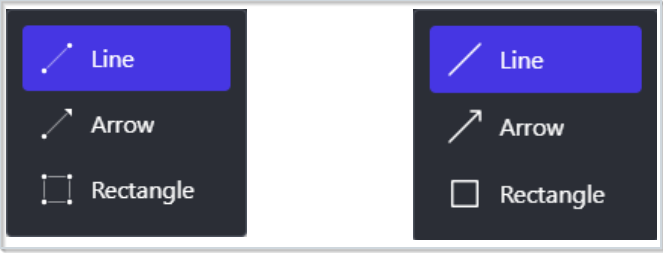
Figure: This feature updates the appearance of the icons for the line tools (left) to the new style (right).
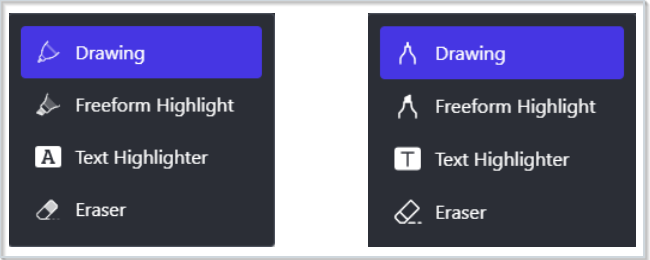
Figure: This feature updates the appearance of the icons for the ink tools (left) to the new style (right).
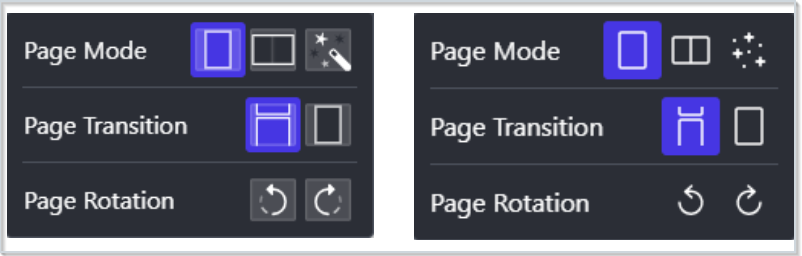
Figure: This feature updates the appearance of the icons for the page layout tools (left) to the new style (right).
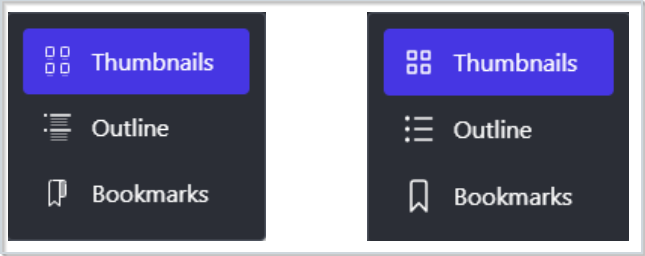
Figure: This feature updates the appearance of the icons for the sidebar tools (left) to the new style (right).

Figure: This feature updates the appearance of the icons in the highlighter and drawing sub-toolbars (above) to the new style (below).
 |
Warning: Safari browsers using versions older than version 15.4 are no longer supported for the Annotations software. This is currently a legacy browser. For more information, refer to Browser support. |
Technical Details
Impact:
- Slight impact to administrators and instructors due to the change in the appearance of Annotations icons.
Availability:
- This feature is available to all clients.
To enable:
- This functionality is automatically enabled for all users.
- This functionality is not dependent on any new or existing permissions.
- This functionality is not dependent on any new or existing configuration variables.
Assignments – Google and Microsoft 365 options available in File Upload | New
The option to directly upload a file from Google Drive™ and Microsoft OneDrive® is now available when editing and evaluating an assignment. Users can upload a file by clicking File Upload, and then clicking Google Drive or Microsoft OneDrive in the Add a File window.
Previously, Google Drive and Microsoft OneDrive files could only be added as link attachments. These links connected users to the file within its location, but the file was not uploaded to the assignment. Now, files stored in Google and Microsoft storage accounts are directly added to the assignment, eliminating the need for instructors to provide sharing permissions to users.
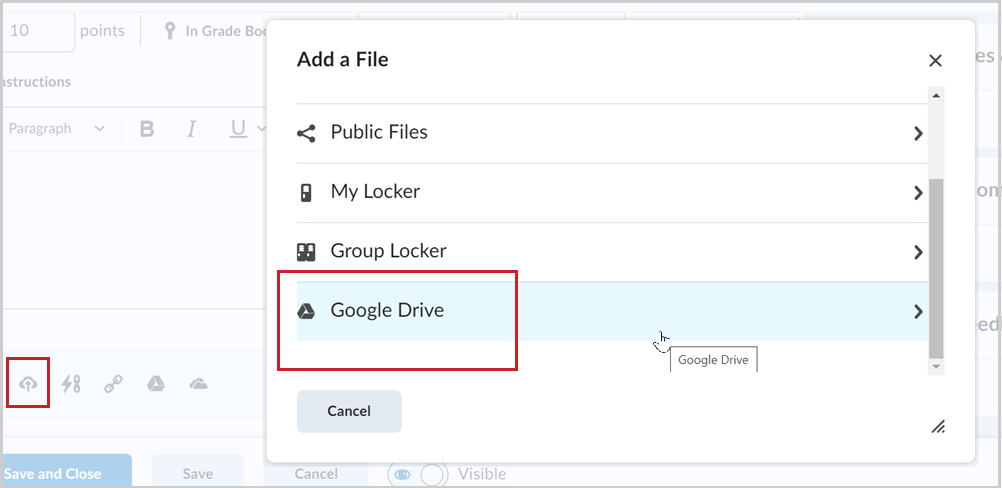
Figure: Select Google Drive or Microsoft OneDrive in Add a File to upload files when editing an assignment.
Technical Details
Impact:
- Slight impact to instructors due to the ability to upload files directly from Google Drive and Microsoft OneDrive.
Availability:
- This feature is available to all clients.
To enable:
- This functionality is automatically enabled for all users of Microsoft Office 365 or Google Drive.
- This functionality is not dependent on any new permissions.
- This functionality is not dependent on any new configuration variables.
In-Product Feedback | New
This release introduces in-product feedback into Brightspace as a new way to allow users to provide their feedback. Administrators, instructors, and learners in higher education or corporate organizations may receive a small survey prompt in Brightspace. The in-product feedback asks users for ratings on one to two questions; these questions ask about users’ experience with Brightspace as a whole, their experience meeting goals in Brightspace, or their experience in a particular workflow.

Figure: Users can provide feedback by rating your experience with tools and processes in Brightspace.
Technical Details
Impact:
- Slight impact to administrators, instructors, and learners due to the ability to provide feedback directly in Brightspace.
- No impact to students in K-12 organizations as they are not provided with this functionality.
Availability:
- This feature is available to all clients.
To enable:
- This functionality is automatically enabled for all users.
- This functionality is not dependent on any new or existing permissions.
- This functionality is not dependent on any new or existing configuration variables.
For more detailed information, please visit the D2L Brightspace Community – June 2024 Updates
** Not all features listed on the link are used with the BCIT Learning Hub