


- Resource
- Groups - Instructor
- How to Restore Groups & Categories
How to Restore Groups & Categories
A new Recycle Bin option is available in the Groups tool, enabling you to restore individual group units or entire categories within a course offering. When you restore groups, existing enrollments and lockers are also reinstated (if present). Any activities linked to the restored groups, such as discussions or assignments, can then be individually restored through their respective restore pages.
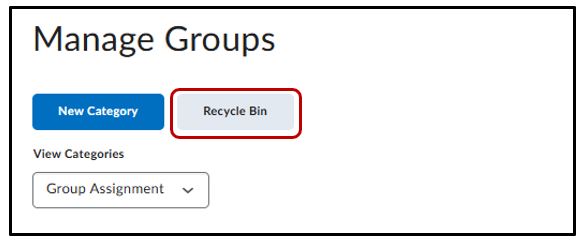
Click Recycle Bin to view the deleted groups and group categories.
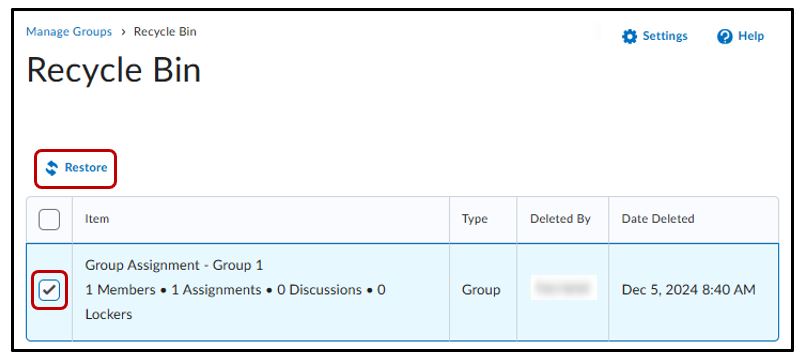
Select the check box for a group or group category and click Restore.
Note: Groups and categories deleted before this feature was introduced in November 2024/20.24.11 do not appear in the Groups Recycle Bin.
Related Posts
