


Overview of the Assignment Tool
The Assignment tool is a place for students to submit electronic files directly into their course in the Learning Hub. Thus, eliminating the need for paper, fax, or email. Instructors use the Assignments area to view, evaluate, and grade student submissions.
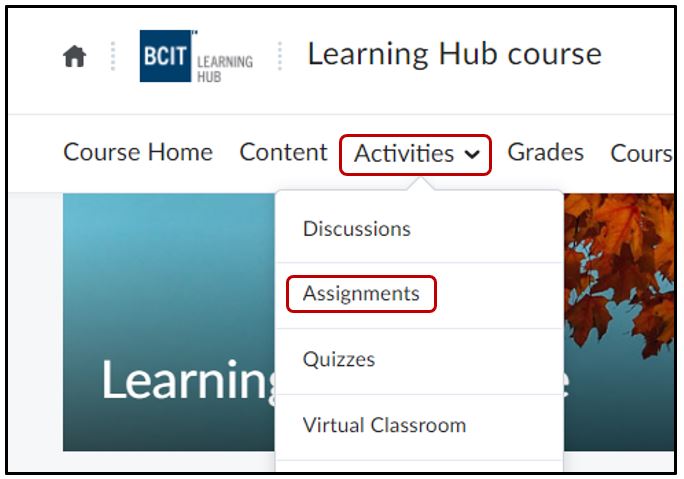
Log into the Learning Hub and open a course. Click on Activities > Assignments
File Submission
Instructors
Unless you need a specific file type from your students, it is recommended that you ask for .pdf files. This is a universal file type and all devices should be able to view this document type. If you are requesting a specific file type (ex. .ai) then you will have to download the file to your computer and open it in the respective software application.
Students
When submitting a file for an assignment, it is recommended that you add your A# or name, so your instructor can identify your file submission.
Related Posts
